
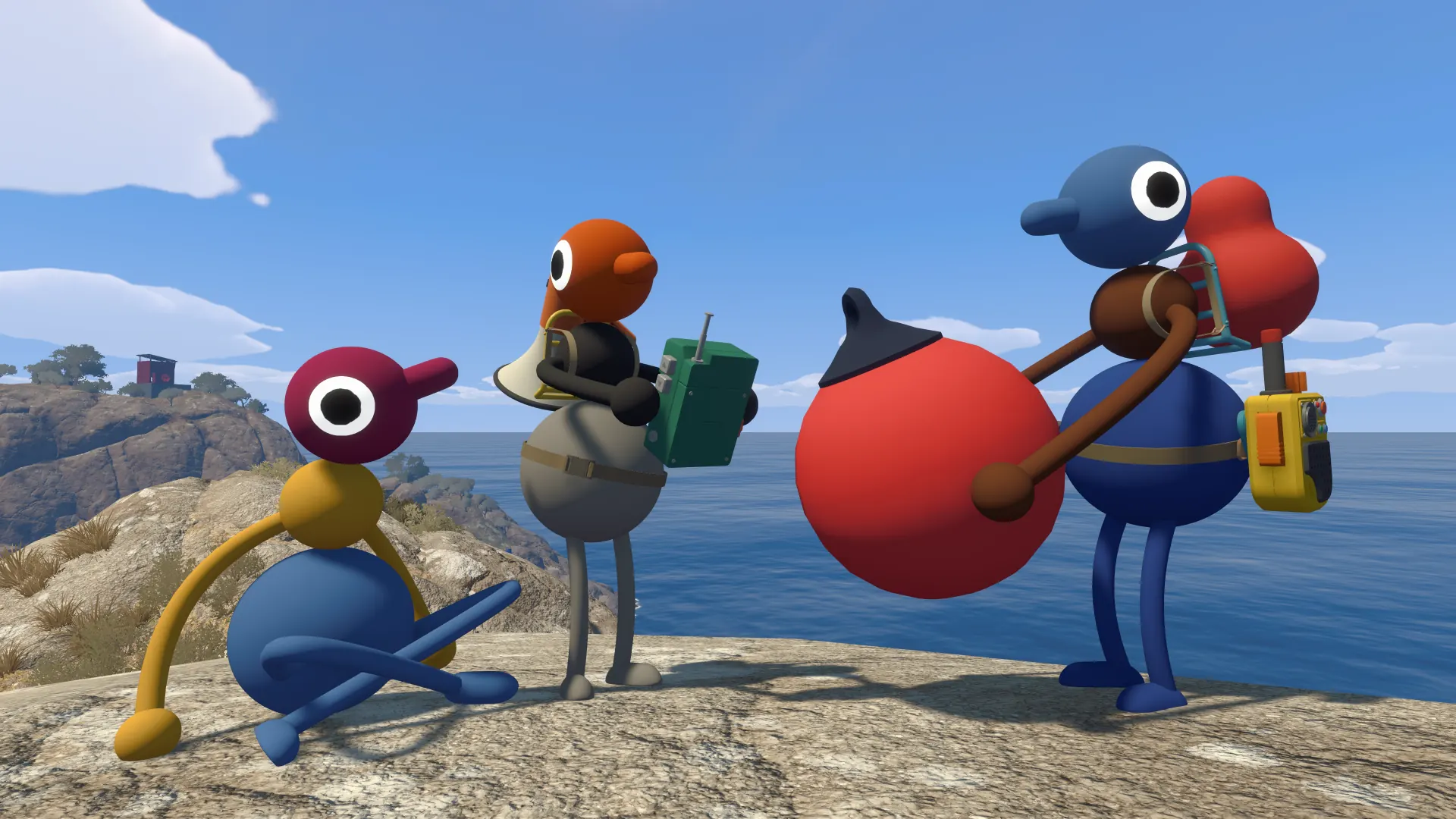
Answer first
Yes. Checked August 10, 2026, Big Walk officially supports online crossplay across Windows and Mac via Steam, the Mac App Store, PlayStation 5 and Nintendo Switch 2. Friends on the same platform can usually find an active host session through their platform friends list; otherwise, they can join with the host's Join Code.
The Mac App Store version does not support a Game Center friends list, so those players must use a Join Code. Mac is officially included in the crossplay platform list, although this check did not independently reproduce every Mac-to-console combination.
Quick facts
| Item | Answer |
|---|---|
| Official crossplay platforms | Windows and Mac via Steam, Mac App Store, PS5 and Nintendo Switch 2 |
| Mac | Officially supported; not every Mac-to-console pair was independently reproduced |
| Player count | 2–12 online players |
| Random matchmaking | No |
| Cross-platform joining | Use the host's Join Code |
| Save owner | The host |
| Continue later | The original host must host again |
Which platforms can play together?
Big Walk's official FAQ lists Windows and Mac via Steam, the Mac App Store, PlayStation 5 and Nintendo Switch 2, and states that players on different systems can play together. The official storefronts for Steam, PlayStation 5 and Nintendo Switch 2 also advertise cross-platform online play.
These official listings confirm support, but they are not a substitute for testing every possible platform pair. If a mixed Mac-and-console group needs certainty before a long session, test the Join Code connection first.
How to host a cross-platform game
- Choose one player to be the long-term host. The host owns the save and the group's world progress.
- The host starts a session and loads their character into the world.
- The host shares the session's Join Code with players who cannot join through a platform friend list.
- Other players enter the Join Code and connect to the host's active session.
- If the group wants to continue another day, the same host must start the saved world again.
Choose the host carefully. If the host ends the session, everyone else is disconnected. Another player cannot simply take over the same save later.
How the player-count setting works
Big Walk supports 2–12 players. Each time the host starts a session, they choose a 2-player, 3-player or 4+-player version of the world, and some things in the world change to match that choice. Treat this setting as the expected minimum group size rather than the maximum number who may join.
Crossplay troubleshooting
If a friend cannot join, work through these current official checks:
- Confirm that the host has started the session and fully loaded their character into the world.
- Ask the host to check for connection warnings in the lower-left corner of the screen.
- If the host does not appear in the friend-games list, use the current session's Join Code.
- Confirm that every device has a working internet connection.
- Make sure every device's system clock is accurate; a significant clock difference can prevent both joining and hosting.
- If the problem continues, close Big Walk completely on every device, reopen it and try again.
Some launch-week players reported successful sessions while others reported connection failures. These reports are anecdotal and do not establish a platform-wide fault. No official platform-wide crossplay outage was identified in the official pages reviewed on August 10, 2026.
Voice and text communication
Big Walk includes proximity voice chat and text chat. For proximity voice, distance and the environment affect what players hear, while items such as walkie-talkies can help separated players stay in contact.
The communication limits are part of the puzzle design. Using an unrestricted external voice call can bypass moments the game expects the group to solve through distance, gestures or in-world tools.
Frequently asked questions
Can Steam players play with PS5 players?
Yes. Big Walk officially supports crossplay. If the host does not appear through the platform friends list, join with the host's current Join Code.
Can PS5 and Nintendo Switch 2 play together?
Yes. Both platforms are included in Big Walk's official crossplay support. Check a connection failure against the official troubleshooting steps rather than treating it as evidence that the combination is unsupported.
Can Mac players use crossplay?
Yes, according to the official platform and crossplay information. Steam Mac players can use platform friend sessions or a Join Code; Mac App Store players must use a Join Code because that version does not support a Game Center friends list. We have not independently reproduced every Mac-to-console combination.
Who keeps the save?
The host keeps the save and all world progress. The same host must start the world again when the group returns.
Does Big Walk have random matchmaking?
No. The game is designed for an organized group that returns across multiple sessions.